ATM Near Me That Accepts Tap to Pay: How to Find One
 Banks Near Me Writers | Updated
To find an ATM near you that accepts tap to pay, look for the contactless symbol on the machine or use the ATM locator in your bank’s app. Support depends on two things, your bank and the specific machine, so there is no universal answer. A two-minute check beforehand saves you a wasted trip.
What a tap-to-pay ATM actually is
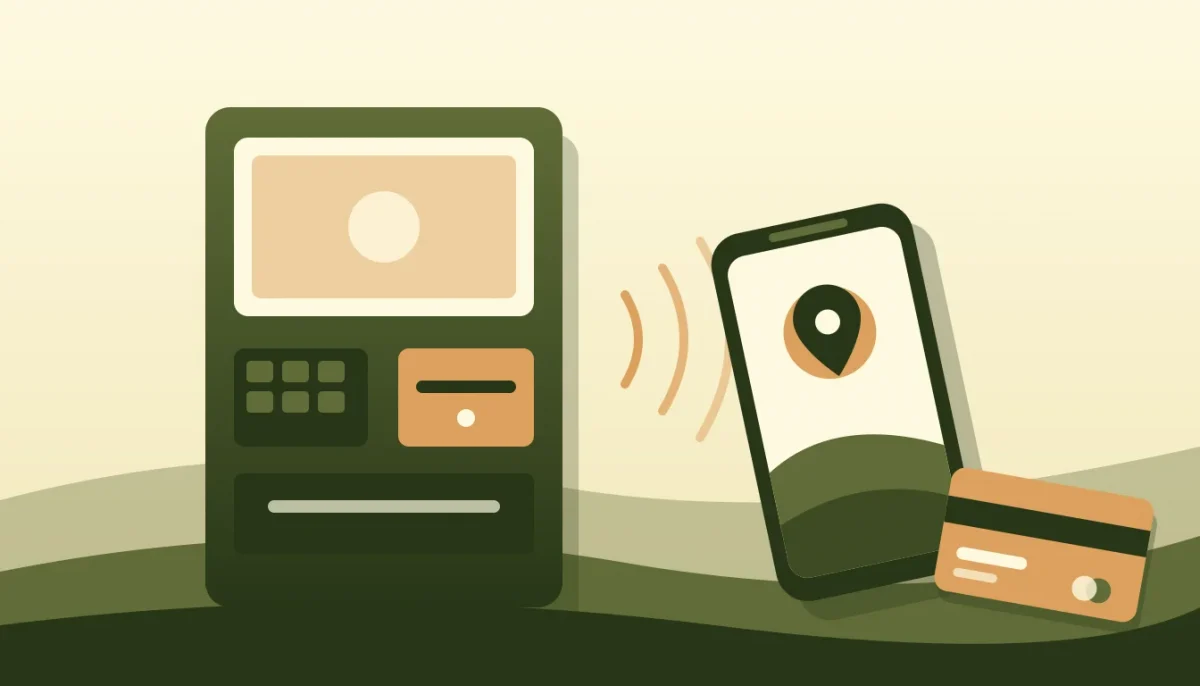
It is an ATM with a contactless reader. Instead of inserting your card, you hold a contactless card, or a phone with a digital wallet, near the reader. You then usually enter your PIN on the keypad.
Online, the terms get mixed up. “Tap,” “NFC” and “cardless” are related but not the same thing.
Card tap, phone wallet and cardless: the differences
| Method | What you do | What it needs |
|---|---|---|
| Card tap | Hold a contactless card to the reader | A contactless card and a machine with a reader |
| Phone wallet (Apple Pay, Google Pay) | Wake and verify the phone, hold it to the reader | Your card added to the wallet, and a bank that allows it at ATMs |
| Cardless | Start in your bank’s app, then use a code or QR scan at the machine | Your bank’s app and an ATM that supports that bank’s cardless feature |
Cardless often involves no tapping at all. If a machine says “cardless” but shows no contactless symbol, expect to scan a code or type one in.
How to spot a contactless ATM
Look for the contactless symbol, four curved lines like a Wi-Fi icon turned on its side. It usually sits near the card slot or on the screen. Some machines also show a tap or wallet prompt on the welcome screen.
No symbol? Assume no tap. And don’t wave your phone over random spots on the machine.
So, can you tap your phone at any ATM? No. Plenty of machines still take only an inserted card, and some tap-ready ones work with only certain banks or wallets.
How to find one near you
- Open your bank’s app or website and go to the branch and ATM locator. Look for a filter such as “contactless,” “tap” or “cardless.” Not every bank offers one.
- No filter? Check the bank’s help pages for a list of ATM features, or ask the bank directly through its contact options.
- In a map app, search “contactless ATM” plus your area, then read each result’s photos and details. Treat these as hints, not proof, because listings go stale.
- Confirm in the app, or at the machine itself, before you count on it.
Picture it: it is 8 p.m., you need cash for a babysitter, and your map app shows three ATMs within a mile. Open your bank’s locator first. If it marks one as contactless, go there. If it marks none, pick the closest in-network machine and keep your physical card handy.
Our ATM near me page covers general searching, and the Best Bank Near Me map shows branches around you. If you bank with a large chain, its own locator, such as the one for Chase or Bank of America, is usually the most current source. Features differ by bank, so confirm with yours.
Step by step: withdrawing cash with your phone
- Make sure your debit card is added to Apple Pay or Google Pay and that your bank allows wallet use at ATMs.
- Choose the tap or contactless option on the ATM screen, if it asks.
- Wake your phone, verify with Face ID, fingerprint or passcode, and hold it near the reader until you see a confirmation.
- Enter your PIN if asked. Most machines do.
- Pick the amount, take your cash, and grab the receipt if you want one.
If tap does not work
- Move the phone closer and hold it still for a few seconds. Take off a thick case, or a wallet case holding extra cards.
- Check that NFC is on and the right card is your default in the wallet.
- Try the physical card, inserted or tapped.
- Try another machine. The reader may be offline, or your bank may not support tap on that model.
Fees: tapping changes nothing
How you start the transaction does not change what it costs. Surcharges and out-of-network charges depend on who owns the ATM and what your bank charges. Here is an illustration, not a quote from any bank: as of November 2026, a hypothetical $3 operator surcharge plus a $2.50 out-of-network fee on a $100 withdrawal comes to $5.50, whether you tap or insert. Take out $200 once instead of $100 twice, and the same hypothetical fees drop from $11.00 to $5.50.
To dodge that, use machines in a network your bank belongs to. Our guide to surcharge-free ATM networks explains how, ATM fees explained breaks down each charge, and the Allpoint ATM page covers one large network. Check your own bank’s fee schedule, since terms and withdrawal limits vary.
FAQ
Can you tap your phone at any ATM?
No. Only machines with a contactless reader accept it, and your bank must also allow that method. Check the symbol and your bank’s app first.
Do ATMs take Apple Pay or Google Pay?
Some do. It depends on the machine, the bank that issued your card, and whether that bank supports wallet withdrawals. Confirm with your bank.
How do I know if an ATM is contactless?
Look for the contactless symbol near the card slot or on the screen, or filter for it in your bank’s locator if one exists. No symbol usually means no tap.
Is tap to withdraw safe?
It is generally considered a safe option. Wallets typically send a one-time token instead of your card number, and a PIN is usually still required. Still, inspect any machine before use and see how to spot an ATM skimmer. Cover your PIN entry and report anything odd to your bank. No method is risk-free, and security features differ by bank.